13 Best Chrome AI Extensions (Free and Paid)
AI has been integrated into thousands of digital tools, software, and even Chrome extensions.But in 2025, the Chrome Web Store feels like it’s been hit by a tidal wave of AI-powered tools—each promising to automate, enhance, or just plain save you from the daily grind.Which is the best AI extension for Chrome?What is the most useful Chrome extension?In this article,I’m going to introduce you to some useful AI Chrome extensions.These extensions not only make your online work easier, but also help you in many tasks like writing content, doing research, typing emails, or summarizing YouTube videos.
| All-Purpose AI Assistants
| AI Extensions | Rating Score | Users |
| Sider | 4.9★ | 5,000,000 |
| Monica | 4.9★ | 3,000,000 |
| Merlin | 4.8★ | 1,000,000 |
| ChatGPT for Google | 4.6★ | 2,000,000 |
1. Sider
Sider is a versatile AI-powered productivity tool, available as a browser extension and mobile app, that serves as an AI co-pilot.It provides an AI sidebar to summarize web pages, explain highlighted text, translate languages, generate images, and chat with large language models like ChatGPT, GPT-4, Gemini, and Claude 3 APIs. Sider also supports deep reading of documents and websites, data analysis, and even lets users chat with screenshots.
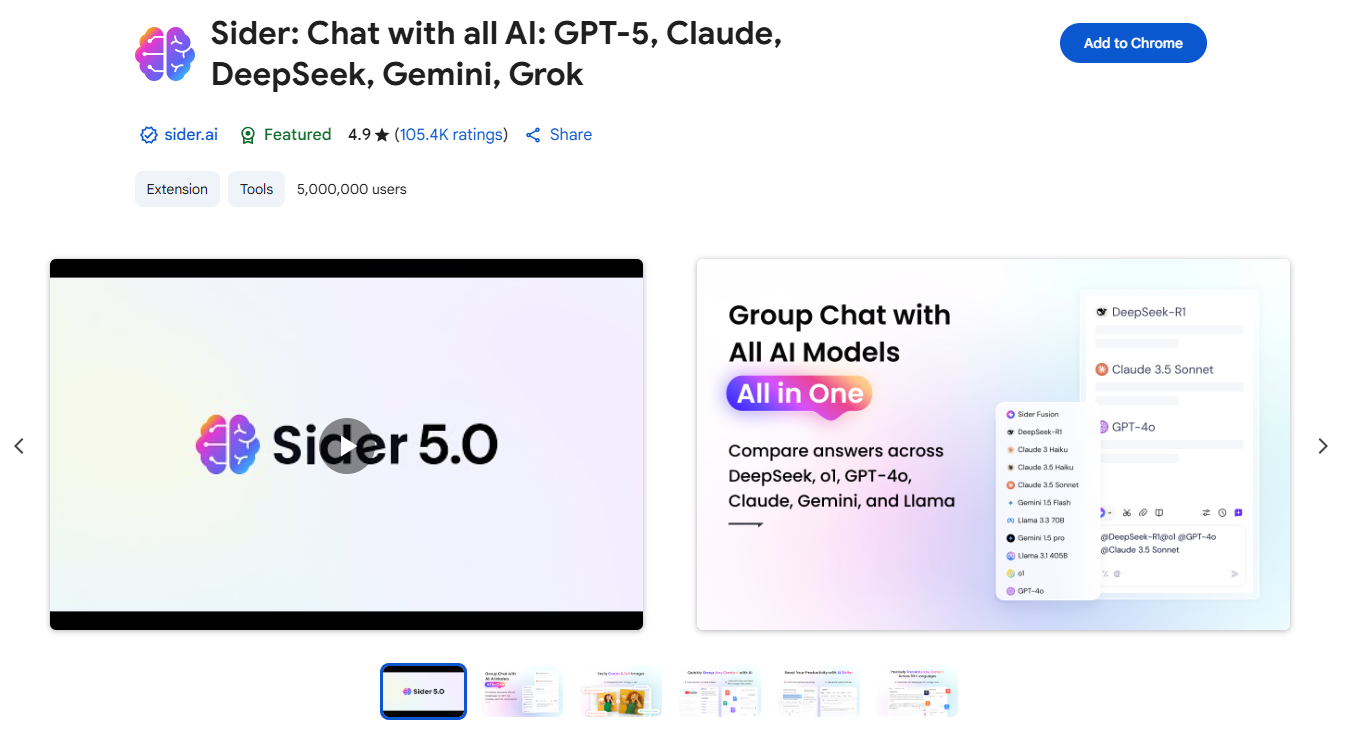
Pricing: Free (with credits);Paid plans: starting at $10/month
Key Features:
1) Group AI Chat:
GPT-5, DeepSeek V3, DeepSeek-R1, Claude, Gemini, Kimi, Grok 4 are supported.
Ask any question and receive an immediate solution.
Ask one question, get all answers from all @bots.
2) Webpage Reading Assistant:
Enhance search engine results by providing accurate information.
Summarize hours-long YouTube videos in mere seconds.
Use context menu to understand any text better.
3) AI Writing Assistant with 20x Speed:
Generate human-like articles and titles within seconds.
Enhance writings in various writing styles.
Assistance in email responses and social comments.
4) AI-powered PDF Analysis and Chat:
Upload PDF documents.
Summarize, translate and ask questions.
Establish private knowledge base.
5) Image Creating & Editing Suite:
Generate pictures through plain text.
Remove elements such as the background, text, or any other object.
Upscale low-resolution images and photos up to 4X.
Saving Tip:
If you want to buy a Sider paid plan, don't forget to sign up at Extrabux!(What is Extrabux) , then you can enjoy up to 70% cashback on your purchase from Extrabux! Sign-Up Bonus: Free to join it & get $20 welcome bonus! Student Benefits:As long as you are a student at school, you can get a free whole year long VIP Card worth $199.
Extrabux.com cooperates with many merchants, such as: Walmart (Up to 4% cashback), Sephora(4% -5% cash back),Dior (Up to 6% cash back), Moosejaw (5% -6% cash back), LOOKFANTASTIC (Up to 10% cash back), Microsoft (Up to 7% cash back) and so on. You can save on buying daily necessities, fashion, beauty, electronic products, broadband installation, mobile communication, air tickets, hotels and other aspects of life!
2. Monica
Monica is a chrome extension powered by ChatGPT API, designed to be your personal Al assistant.Monica leverages cutting-edge AI models, including OpenAI o3-mini, DeepSeek R1, GPT-4o, Claude 3.7, and Gemini 2.0, to enhance your chat, search, writing, and coding experiences.Additionally, Monica can translate, rephrase and explain text on any web page.
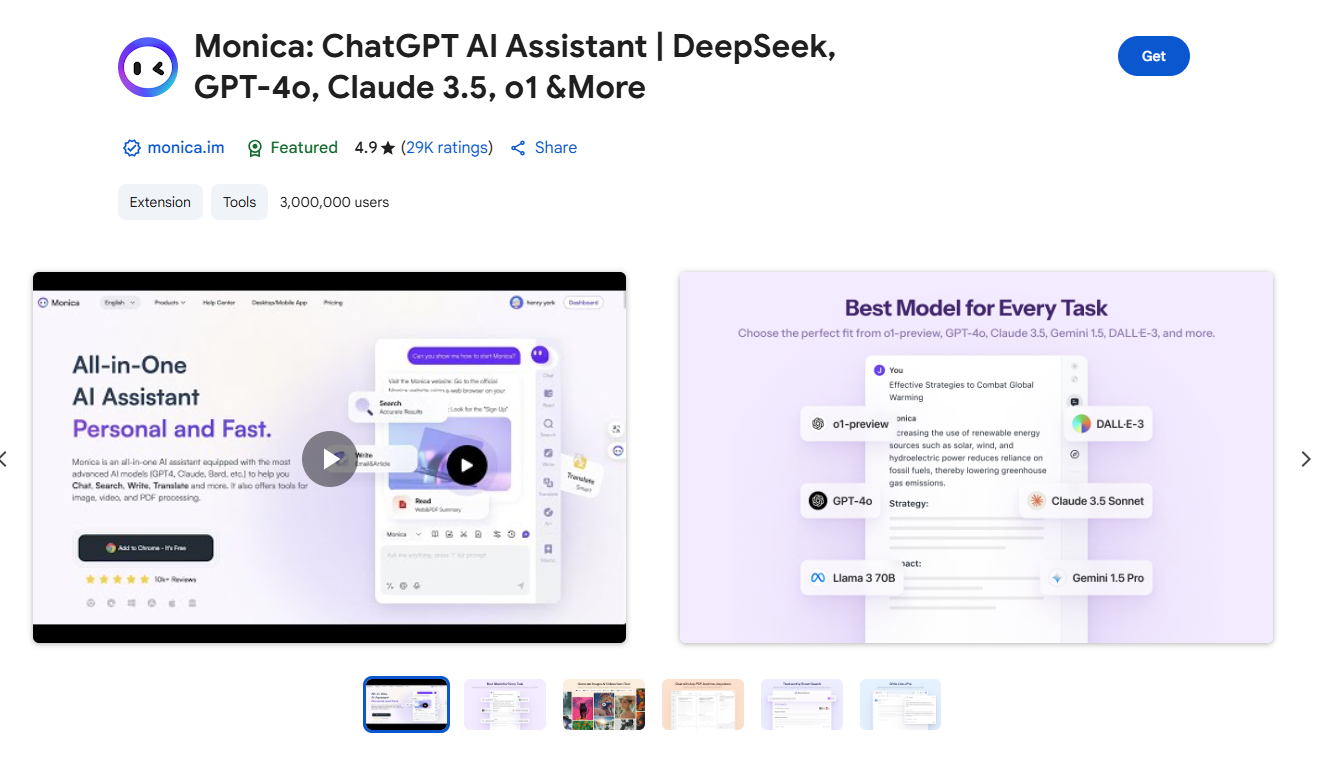
Pricing: You can start using Monica for free. Free users have a daily usage limit. However, for advanced features, you may need to upgrade to a paid version(starting at $8.30/month).
Key Features:
1) Chat with AI:
Multi Chatbots: Chat with various LLM models like GPT-4o, Claude 3.5 Sonnet, Gemini 1.5 in one place.
Prompt Library: Access many saved prompts quickly with '/' in a prompt base.
Real-Time: Obtain current real-time internet information.
Voice Support: Use microphone button to chat without typing.
2) Create Art:
Text-to-Image: Convert your words into visuals.
Text-to-Video: Effortlessly animate your images, bringing stories to life with dynamic movement.
AI Image Editor: All-in-one toolset for advanced image manipulation, including object removal, background editing, upscaling, and AI-powered enhancements.
3) Chat and Summarize:
ChatPDF: Upload and chat with PDF to better understand the content.
Chat With Image: Upload an image and ask questions powered by GPT-4V.
Webpage Summary: Get summaries without reading entire webpages.
YouTube Summary: Get summaries without watching entire videos.
4) AI Write:
Compose: Use 'compose' for quick, tailored writing of essays or reports, with control over size, style, and tone.
Write Agent: Provide a topic, and we'll auto-draft outlines with expanded content and references.
Email Reply: In Gmail, we suggest reply options based on email content, allowing click-based responses without typing.
AI-Bypass Rewrite: Intelligently rewrite your content to maintain its essence while evading AI detection tools, ensuring your work appears human-generated.
5) AI Translate:
PDF Translation: Translate a PDF and compare it with the original on the left and translation on the right.
Parallel Translation: Translate pages without hiding original text for side-by-side language comparison and accurate answers.
Text Translation: Translate selected text on webpages instantly.
AI Translation Comparison: Compare translations from multiple AI models to ensure accuracy and nuance in language interpretation.
6) AI Search:
Search Agent: Ask a question and we will search, review, and find the answer using multiple keywords.
Search Enhance: Load ChatGPT answers next to search engines like Google and New Bing.
7) AI Memo: Memo is an AI knowledge base where you can save webpages, chats, images, and PDFs. Chat with Memo to access information, and as it grows, we can offer more tailored and accurate responses for you.
3. Merlin
Merlin is an all-in-one AI assistant that opens as a sidebar on any web page. Merlin integrates multiple large language models, including GPT-4o, Claude 3.5, and Gemini, into a single browser sidebar. It offers 26 built-in AI functions, including web page summaries, content simplification, writing assistance, and instant Q&A with web pages and uploaded PDF files. It can also summarize articles and YouTube videos, write code and create content.It learns from your browsing habits, organizes your schedule, and even suggests content based on your preferences.
Merlin provides results from both Google and other alternative search engines. It offers 11 different applications to serve different purposes in this one extension.
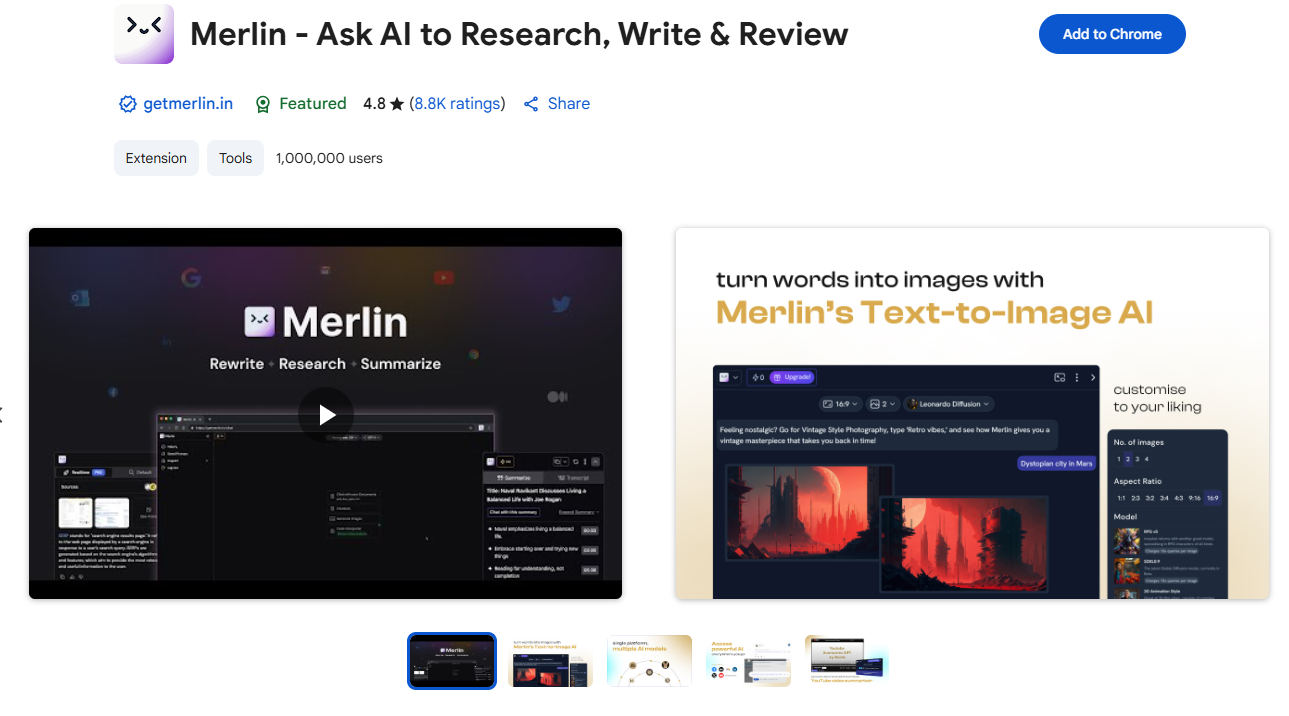
Pricing: Merlin AI offers a free plan with daily usage limits, allowing you to access many of its core features like summarizing content, chatting with AI, and generating text. To get more features or increase your usage, you can upgrade to one of its paid plans. The Merlin Premium plan starts at $29 monthly ($19 with annual billing).
Key Features:
1) Multiple AI models in one place,including:
OpenAI: Offers access to models such as GPT-4 and GPT-4o, with free queries available in the free plan.
Anthropic: Integrates with Claude-3 and its variants.
Google: Provides access to Gemini models, like Gemini 1.5.
Other models: Includes Mistral and Llama, allowing users to switch.
2) Summarization and content interaction:
Summarize content: Condenses articles, web pages, PDFs, and emails into key points. For YouTube videos, it provides a summary with timestamps.
Chat with content: Allows interaction and questioning about content from websites, PDFs, or documents.
3) Writing assistance and content creation:
Contextual help: Provides AI-powered writing assistance within any text box, such as when drafting emails or posting on social media.
Automated content generation: Creates emails, social media posts, blog posts, and more within the browser.
Paraphrasing and rewriting: Rewords and restructures existing text.
Code assistance: Explains and provides solutions for code snippets.
4) Research and search enhancements:
AI-powered search: Provides integrated, citation-linked AI answers alongside search results on Google, Bing, and other search engines.
Live web access: The AI uses real-time internet data to provide up-to-date and contextual responses.
5) Multilingual support: Supports content generation, summarization, and translation in over 128 languages.
6) Broad platform integration: Works across multiple websites and platforms, including Gmail, LinkedIn, X (Twitter), Google Docs, and more.
4. ChatGPT for Google
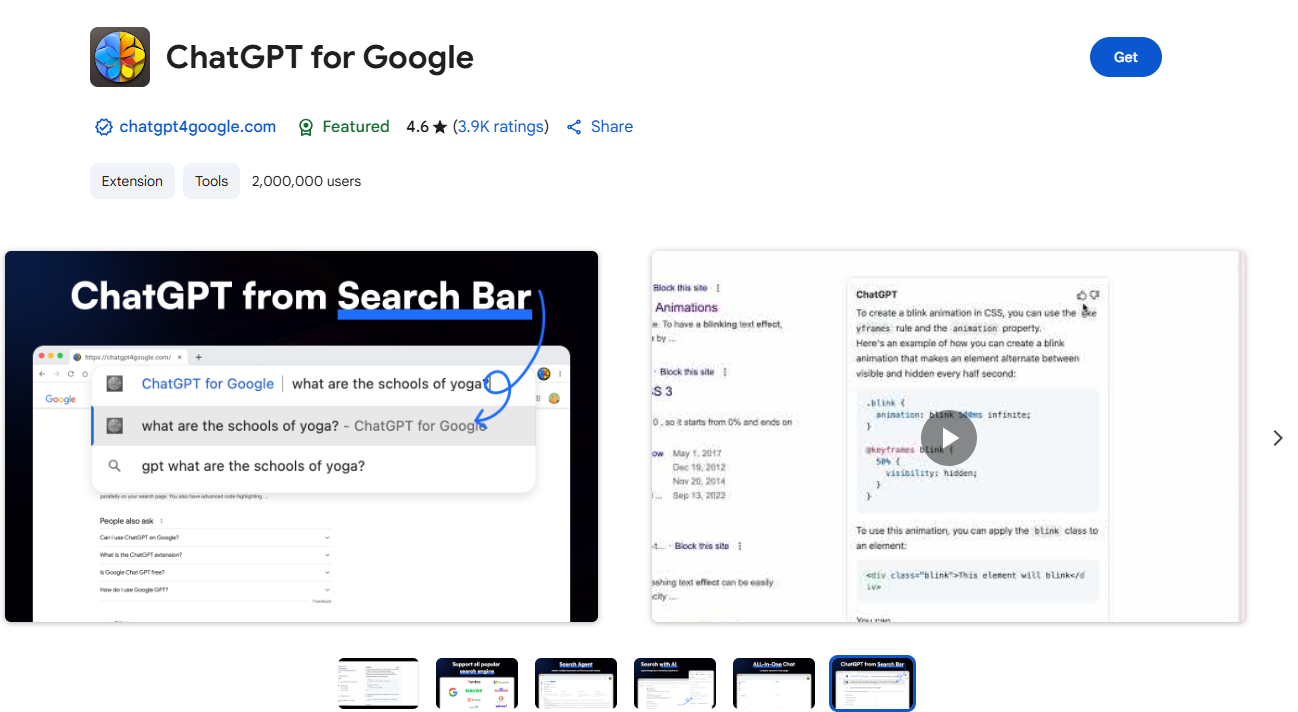
ChatGPT for Google is a browser extension designed to augment search engine functionality with the capabilities of ChatGPT. It operates by displaying ChatGPT responses alongside regular search engine results. Furthermore, it now has the ability to compare the responses of ChatGPT, GPT-4, Google Bard, and Claude on a single page, thereby enhancing the overall search experience.
It can generate text, answer questions, provide insights, and even help in creating documents or spreadsheets. This extension is incredibly useful for enhancing productivity and efficiency in work or academic scenarios. It can also help in creating and refining copy for personalized email messages, customer service videos and ecommerce advertising in general.
Pricing: Free. You need to have a ChatGPT account to use this extension. You can create an account for free at chat.openai.com
Key Features:
Search Engine Support: Works with Google, Bing, DuckDuckGo, and more.
Search Enhance: Obtain concise, accurate answers to your questions right within the search engine interfaces you already use.
Search Agent: just ask a question, ChatGPT for Google will search using multiple keywords, review all the results, and find the right answer for you.
All-In-One-Chat: Compare the answers of ChatGPT, GPT-4, Bard, and Claude in one page to enhance your search experience.
Quick Ask: Enter "gpt" in the browser address bar, then press "Tab "or "Space" to enter quick ask mode.In Quick Ask mode, enter your query and hit "Enter" to instantly send it to ChatGPT or any AI Model you like.
| Writing and Content Creation
| AI Extensions | Rating Score | Users |
| Compose AI | 4.1★ | 300,000 |
| Grammarly | 4.5★ | 44,000,000 |
Wordtune | 4.6★ | 1,000,000 |
| QuillBot | 4.7★ | 5,000,000 |
1. Compose AI
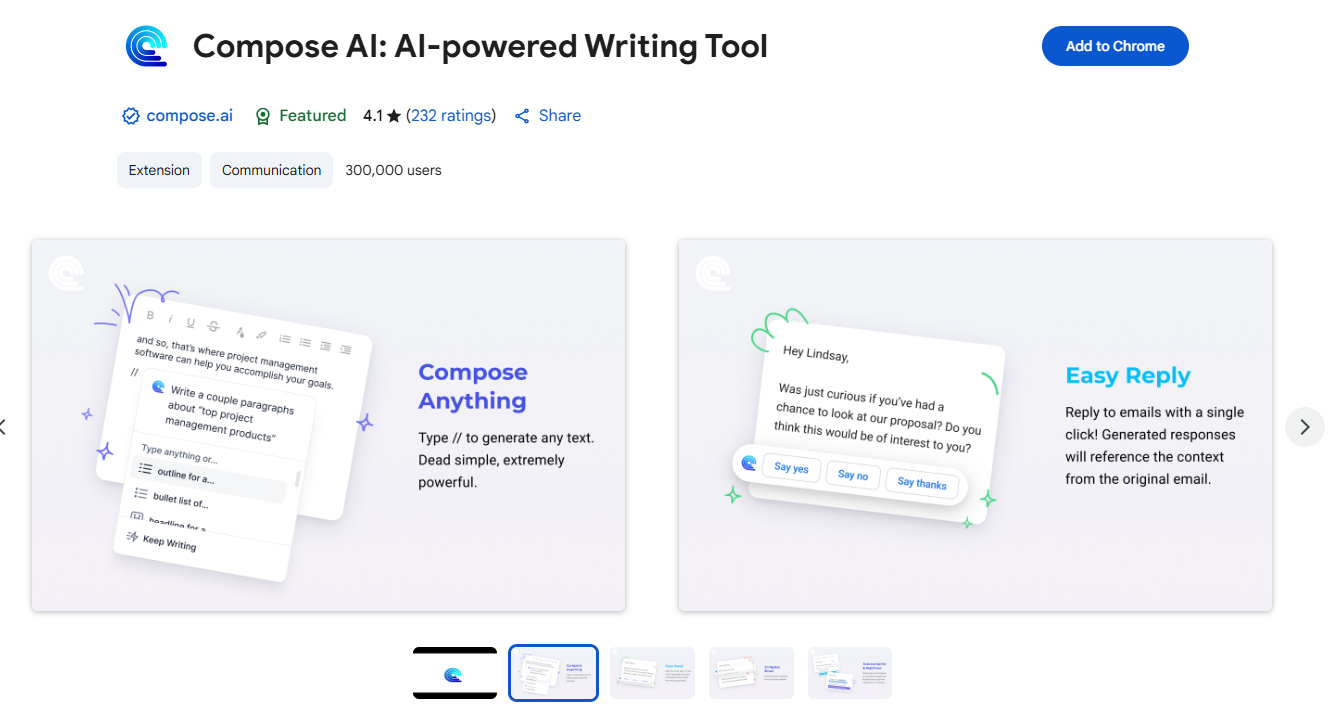
Compose AI is a free Chrome plugin that accelerates your writing, lets you use auto complete anywhere, and will decrease your time spent typing.With this Chrome extension, you can automate your writing and generate a range of high-quality content. These include emails, email responses, outlines, bullet lists, blog ideas, stories, and much more.From generating ideas to providing real-time suggestions, Compose AI is your trusty digital companion for all things writing.
Pricing: The plugin is free to use forever, and there is a premium version(from $9.99/mo) with some advanced features including use of some of personalization features.
Key Features:
Autocomplete Everywhere: Finish sentences, expand prompts, or rewrite text with a slash command (e.g., /email or /bullet).
Personalized Suggestions: The AI learns your voice and suggests completions based on your patterns.
Email Assistance: Generates email replies and drafts based on brief prompts.
Personalization: Learns your writing style to provide tailored suggestions.
Auto-generate high-quality content based on context and keywords.
2. Grammarly
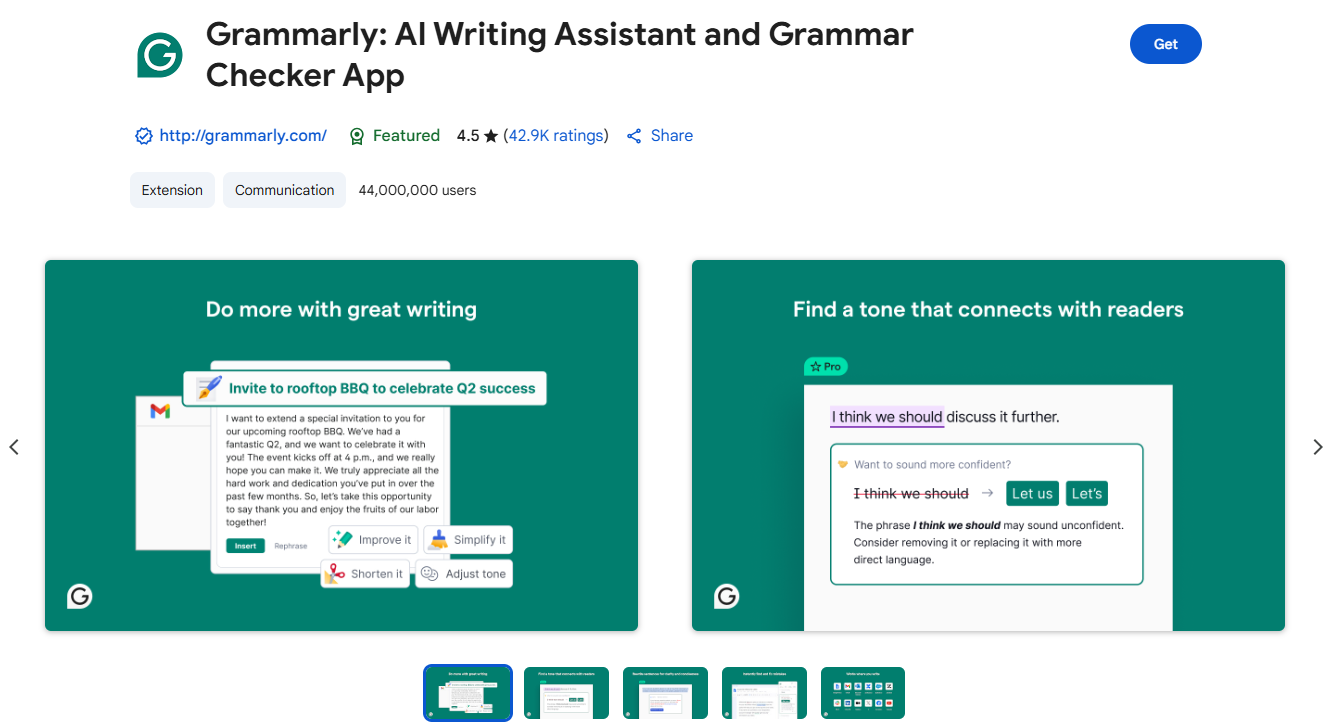
Grammarly is a top-tier AI Chrome Extension that helps you write clearer, more concise content. It uses AI techniques like machine learning and natural language processing (NLP) to point out grammatical errors, spelling mistakes, and stylistic errors in your content.All you have to do is install the Grammarly extension and sign up for a free account. The next time you’re typing on any editing platforms like Google Docs, Gmail, Notion, or LinkedIn, your errors will be visible with red underlines. It also provides style suggestions, tone detection, and can help generate drafts.Grammarly integrates with your browser, Google Docs, email, social media, and other online platforms.
If you prefer to streamline your content to a specific type of English, it also offers the option to select from American, British, Canadian, and Australian English versions.
Whether you're drafting an email or writing a paper, this extension catches grammar mistakes, suggests improvements, and even adjusts the tone of your writing. While it's not perfect, it's one of the best tools for writing improvement.
Pricing: Grammarly has a free plan as well as a Pro plan available for $12 per month and an Enterprise plan for businesses. The free plan covers grammar, spelling, and basic clarity suggestions. Advanced features like full-sentence rewrites and plagiarism checks are premium, but for day-to-day writing, the free version is more than enough.
Key Features:
Grammar and Spell Check: Identifies and corrects grammatical errors and typos.
Tone Detection: Adjust your writing to fit the desired tone—formal, casual, etc.
Writing Style Customization: Tailor the suggestions to your specific writing needs.
Full-sentence rewrites.
Generative AI for quick drafting.
3. Wordtune
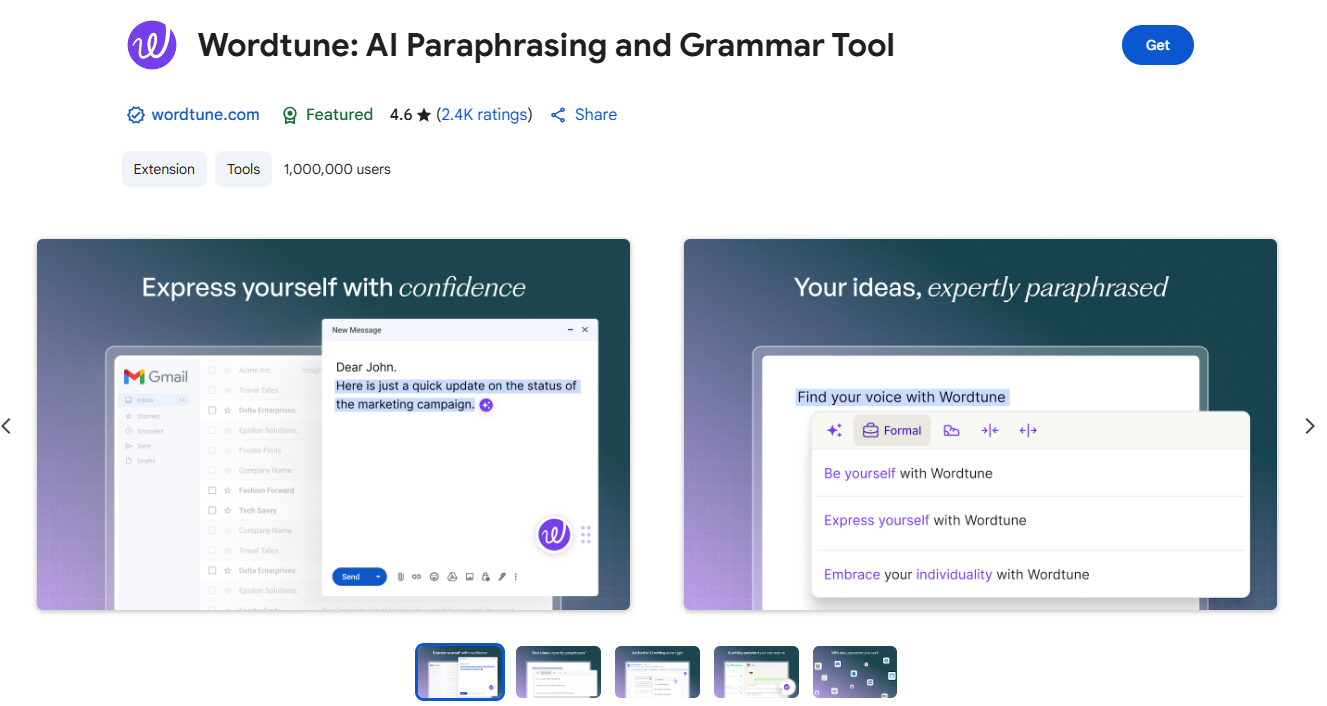
Wordtune is an AI-powered writing assistant that helps rephrase sentences, improve clarity, and adjust tone. Highlight any sentence in Chrome, and Wordtune gives you multiple AI-generated alternatives, tone adjustments, and even the ability to shorten or expand your text.It enhances your writing by providing real-time suggestions, making your content more engaging and tailored to your audience.
Wordtune is best suited for professionals, freelancers, students, and anyone who needs help with sentence refinement, clear communication, or quickly changing the tone of their writing. It is particularly useful for non-native English speakers and for tasks like drafting emails and reports.
Pricing: It offers a free version with daily limits and premium plans for unlimited usage and advanced features like summarization and formal/casual tone adjustments. The premium plans start from $6.99/mo.
Key Features:
Paraphrase: Reshape your sentences into clear, engaging alternatives that better match your tone, context, and audience, all while keeping your meaning intact.
Perfect Grammar: Experience flawless grammar and spelling in every rewrite, ensuring your text is perfectly edited before hitting “send”.
Works where you write: Seamlessly integrated into your Chrome browser, allowing you to write, rewrite, and generate content directly on your favorite websites: no need to switch tabs.
Generate Text: Easily create content within any website you’re writing on. Text that understands your context and fits your tone and style.
Minimize Plagiarism: Generate original content and paraphrase existing text to ensure unique, non-plagiarized writing.
AI Detection Resistant: Wordtune helps humanize your writing, reducing the likelihood of being flagged by AI detection tools.
Translate: Eliminate language barriers and deliver perfectly worded translations of your native language to English.
Custom Writing Tones: Take your writing from a casual tone to something more formal with the click of a button—and vice versa.
4. QuillBot
QuillBot for Chrome is an AI writing assistant that seamlessly integrates into the tools you already use to rewrite, rephrase, and refine your writing. Whether you’re crafting detailed reports, sending quick updates, or polishing client emails, QuillBot helps you write with clarity, confidence, and accuracy.It’s fast, multilingual, and free. And it’s trusted by over 4 million professionals worldwide.
QuillBot can be accessed on writing platforms like Google Docs, LinkedIn, Gmail, etc, and has an extension for MS Word too. If you browse its website, you can also access additional tools like Grammar Checker, CoWriter (writing assistant), Summarizer, and Citation Generator.It offers multiple modes to help rephrase text. This extension rephrases any paragraph.
Whether you're writing, designing, coding, or collaborating, QuillBot is a place where anyone can create at the speed of thought.
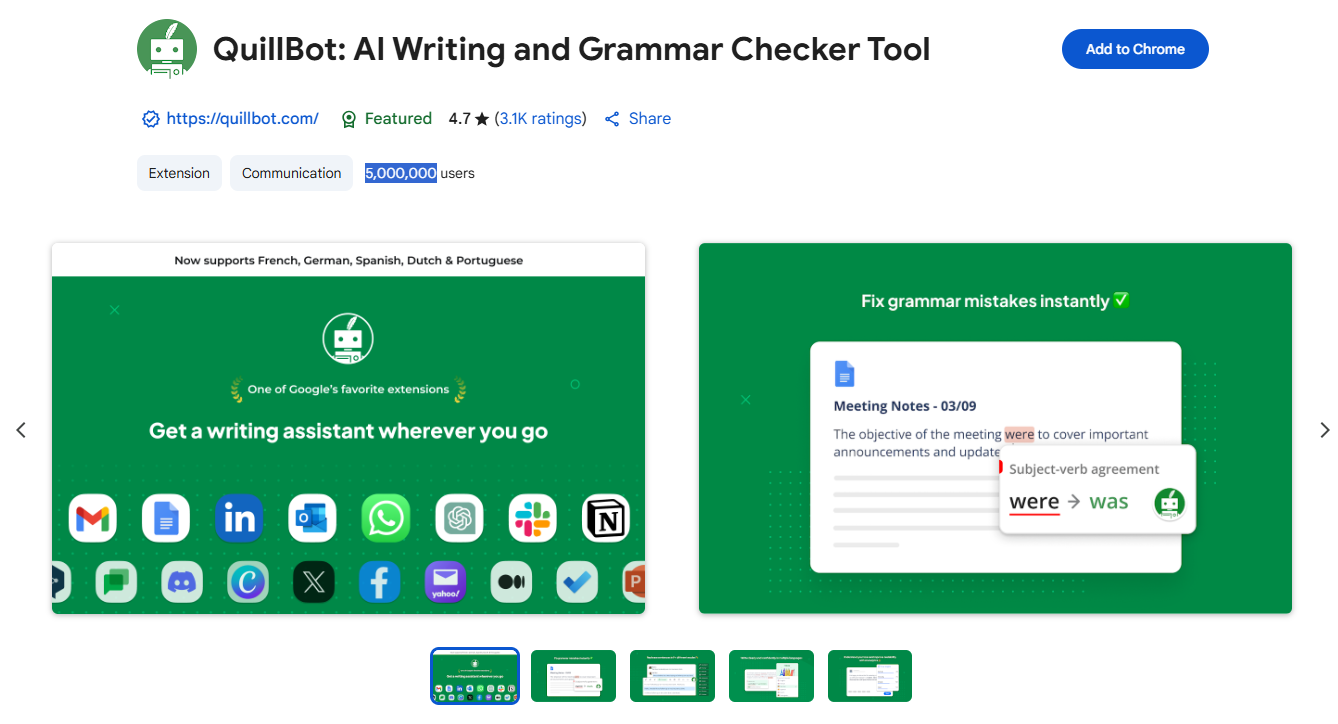
Pricing: QuillBot offers a free version that includes core features like the Paraphraser, Grammar Checker, and Citation Generator, but there are limitations on word count and features. For advanced grammar checking, more tools like the Co-writer and Plagiarism Checker, and unlimited word limits, you need to upgrade to the paid QuillBot Premium plan($8.33/mo).
Key Features:
1) AI Assistant (Free + Premium):
Streamline your writing with one-click grammar, spelling, and punctuation fixes.
Enhance credibility with real-time style and tone suggestions.
Optimize your messaging with tone, clarity, readability, and word count insights.
Support global business communication in English, Spanish, French, German, Portuguese, and Dutch.
2) Paraphraser: Whether you're refining your message or adjusting the tone of your text, QuillBot's Paraphraser will help you communicate professionally. Paraphraser offers a variety of modes suitable for business, including the following:
Formal Mode—Keep communications polished and professional.
Custom Mode—Match the style or tone of your brand voice.
3) Grammar, Clarity, and Style Enhancements:
Polish your writing with QuillBot for Chrome, ensuring your ideas land clearly and effectively.
Instantly fix grammar, spelling, and punctuation errors.
Refine awkward phrasing and unclear sentences in client-facing documents.
Maintain your professional voice while enhancing clarity and flow.
Eliminate repetition and convoluted phrasing in reports and presentations.
Tailor language for different formats: executive summaries, in-depth analyses, and team correspondence.
| Summarization and Research
| AI Extensions | Rating Score | Users |
| Perplexity AI | 4.0★ | 500,000 |
| Glasp | 4.5★ | 500,000 |
| Recall | 4.2★ | 80,000 |
1. Perplexity AI
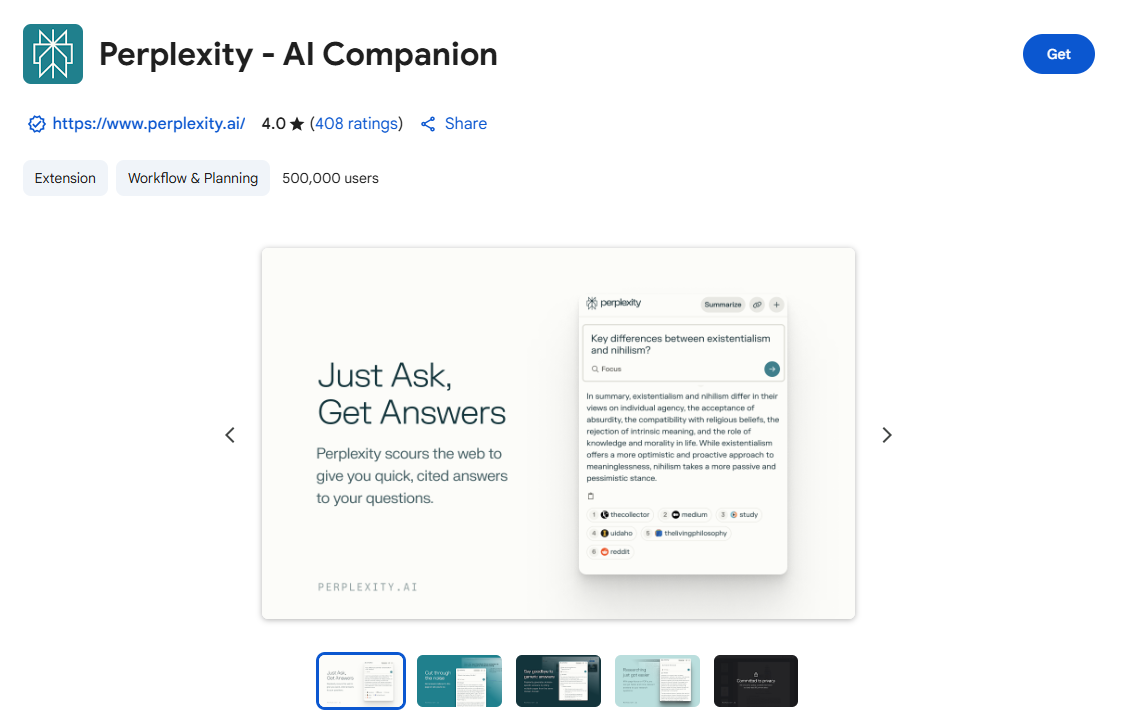
Perplexity AI is a research-driven extension that delivers concise, source-cited answers to complex queries directly in your browser — perfect for startup founders who need quick, reliable insights.
Perplexity answers with linked sources and verified citations for deeper exploration. The extension supports interactive search flows, allowing you to refine questions and explore topics naturally. Because it relies on real-time data retrieval, you may encounter latency issues on slow connections. Although the AI provides high-quality responses, complex topics may require manual verification.
It blends the capabilities of ChatGPT and Google to generate answers to your inquiries. Whether you seek quick answers from cited sources or instant summaries of the page you’re browsing, Perplexity AI got you covered.
Pricing: There is a free version of Perplexity AI that offers basic features like unlimited core searches and document uploads, but a paid Perplexity Pro subscription ($20/month) is required for advanced features like unlimited Copilot (guided AI search), access to advanced AI models (GPT-4, Claude), AI image generation, and more in-depth research capabilities.
Key Features:
Instant Page Summaries: Make sense of any article or webpage at a glance.
Quick Queries: Ask any question directly from your toolbar—no need to jump between tabs.
Contextual Understanding: Get answers relevant to your current page or even specific to your current domain.
Shareable Insights: Easily share your discoveries with a clickable link.
Dynamic Conversations: Click to ask follow-up questions for deeper understanding.
2. Glasp
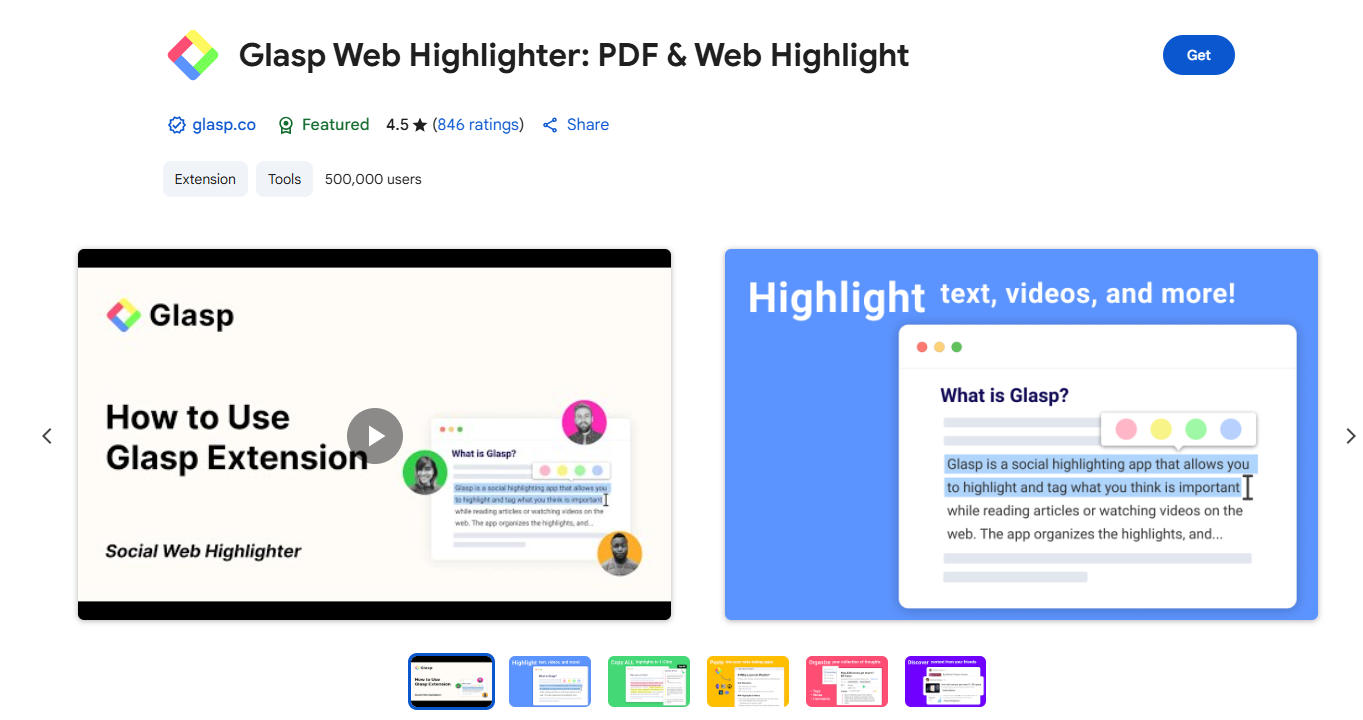
Glasp is a social PDF & Web highlighter that allows you to collect, organize, and share insightful ideas from the web. With your highlights and notes, you can build a personalized AI clone, creating a dynamic, collective knowledge-sharing experience.
Glasp allows highlighting and annotating web content and YouTube videos.Glasp then collects and organizes all these snippets, quotes, and thoughts on your personalized homepage, giving you a collection that you can tag, search, link and share. YouTube, web article, and PDF summarization functions are powered by AI models such as ChatGPT (OpenAI), Claude (Anthropic), Mistral AI and Gemini.
Glasp is ideal for those who want to stay informed but are short on time, and its power can be extended to articles received via personalized email messages. It’s summarizing patterns can help with the written content aspect of email marketing optimization.
Pricing: Glasp is free for everyone. You can unlimitedly highlight text on websites and PDF documents, organize your highlights and notes, and even export these to various note-taking apps.By upgrading to Glasp Pro($10/mo), you gain access to unlimited private highlights and notes, allowing you to keep your insights just to yourself or share them selectively.
Key Features:
Web & PDF highlight with multiple colors.
Highlight & annotate on YouTube videos.
AI-powered summary based on annotations.
Highlight & annotate on PDF files.
Highlight & annotate on Images.
Make notes on the highlights.
Tag and link-to your highlights.
Copy-and-paste all the highlights and notes with meta data into your note-taking app in one click.
Discover more useful content from other curators.
Sync all your highlights and notes from Kindle eBooks.
YouTube Summary with ChatGPT and Claude.
Summarize YouTube videos, web articles, and PDF.
Generate stunning quoteshots from webpages.
3. Recall
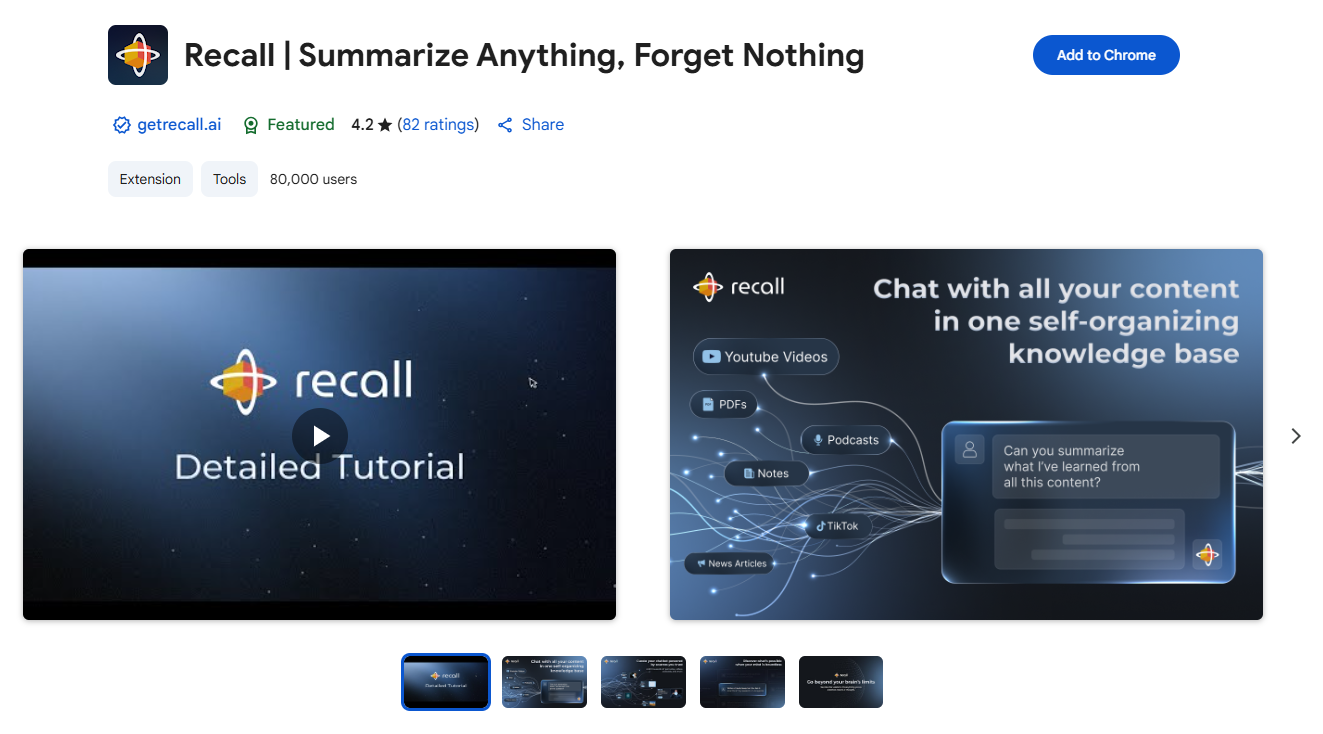
Recall is an AI reading and research companion.It summarizes and organizes content from YouTube videos, articles, and PDFs into an AI-powered knowledge base for later revision and organization. Recall automatically tags saved content by topic, creating a searchable, organized archive. Cloud syncing keeps your content accessible across devices.It scheduled reviews of your saved summaries to optimize long-term retention. It also generates questions from your content to test and reinforce your understanding.
Pricing: You can try the Recall Chrome AI extension for free, with a free tier that provides unlimited knowledge cards and 10 free AI summaries per month. For unlimited AI summaries and features like Augmented Browsing, you can upgrade to the Recall Plus paid plan, which costs $7 per month or is available at a discount when billed annually.
Key Features:
AI-powered high-quality summaries: Get concise and accurate summaries for YouTube videos, articles, PDFs, and more.
Customizable Summary: You can edit the summary while in the browser extension and this will automatically sync with your knowledge base!
Automatic Categorization: Key topics from summaries are used to automatically categorize content and find connections with other saved content.
Personal Knowledge Base: All your summaries are saved in an organized knowledge base for easy access and review.
Multi-language support: Summarize content in multiple languages and have it converted to your primary language.
Mobile App Sync: Review your summaries on the go with mobile apps available for iPhone and Android.
| Specialized and Accessibility
| AI Extensions | Rating Score | Users |
| Speechify | 4.6★ | 1,000,000 |
| Scribe | 4.8★ | 1,000,000 |
1. Speechify
Text to speech from Speechify lets you listen to docs, articles, PDFs, email, and other formats — anything you read. It’s one of the fastest growing voice generator extensions in the Chrome store.You can read aloud any Google Doc, PDF, webpage, or book with text to speech (TTS). It offers natural sounding voices in 30+ languages & 130 voices and is ideal for multitasking or improving accessibility.Whether you're a student, professional, or someone just trying to absorb more content, Speechify makes it easy to get through text quickly.
Speechify supports cross-device synchronization, so you can start on a Chromebook and continue on your Android phone. Even without paying, Speechify's free version holds up nicely.
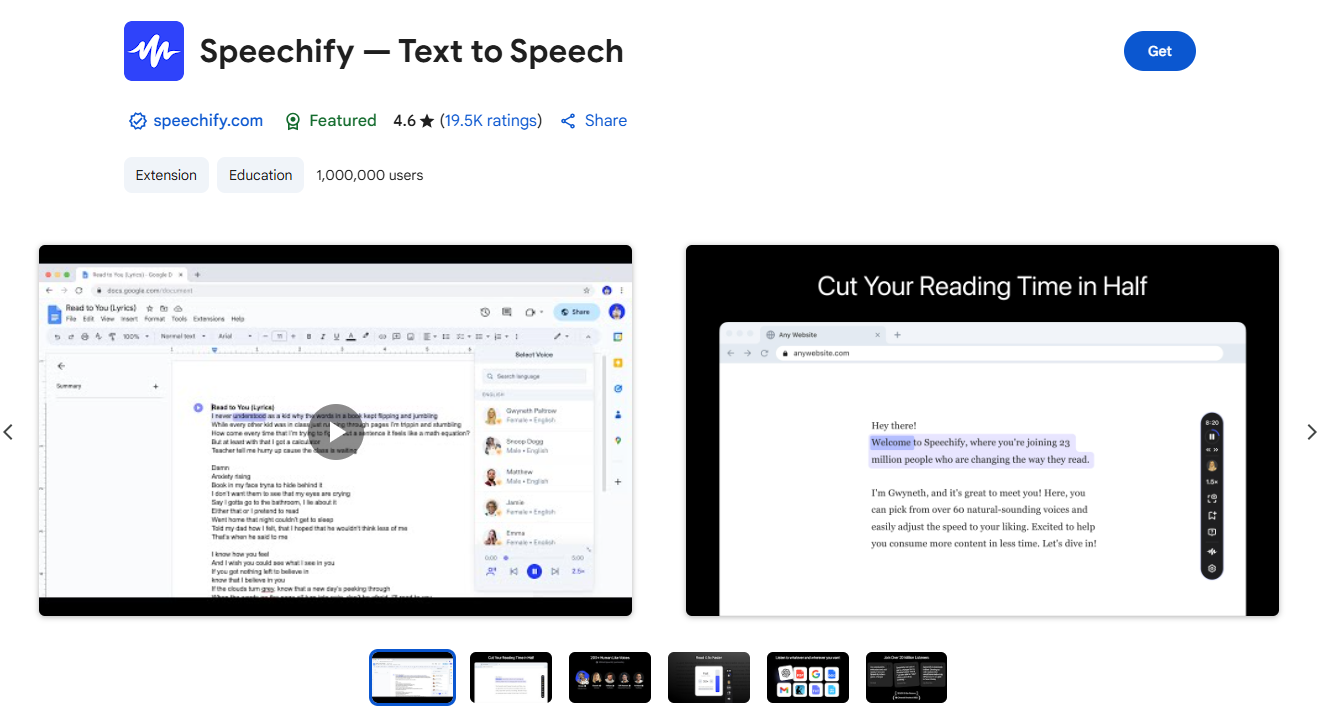
Pricing: Speechify offers a free tier which allows you to convert PDFs, images, text messages etc. into speech effortlessly.For advanced features like premium natural-sounding voices, faster speeds, and scanning printed text, you would need to upgrade to a paid premium plan($29/mo).
Key Features:
1) Core Text-to-Speech Features:
Natural-Sounding Voices: Over 130 voices in 30+ languages, including celebrity voices like Gwyneth Paltrow.
Adjustable Speed: You can customize the reading speed, making it up to 4.5 times faster than typical reading speeds.
Multi-Platform Sync: Seamlessly sync between desktop and mobile to continue listening anywhere.
Interactive Highlighting: Words are highlighted as they are read, helping users to follow along visually.
Screenshot-to-Audio: Take a screenshot of text and listen to it immediately.
Document and Web Reading: Speechify can read various formats, including PDFs, documents, web pages, emails, and even text from scanned images.
2) AI and Advanced Features:
AI Summaries: An AI-powered feature is included to summarize lengthy documents, helping users quickly grasp key information.
Voice Cloning: Users can clone their own voice to create unique audio content.
AI Studio and Dubbing: A separate product, Speechify Studio, offers advanced AI features like voiceovers, dubbing, and AI avatars for multimedia creation.
2. Scribe
Trusted by teams at New York Life, T-Mobile, LinkedIn, HubSpot, and Northern Trust, Scribe is used by 94% of the Fortune 500 to work smarter, faster, and deliver exceptional results.
Scribe helps organizations document and scale how work gets done — automatically.Instead of manually copy/pasting screenshots or recording your screen, Scribe’s Workflow AI tool can document any workflow and turn it into a beautiful step-by-step guide — with screenshots and text instructions. Distribute guides via a link, embed them on websites, or integrate them with tools like Confluence and content management systems.Scribe is a lifesaver for anyone who’s ever had to create a “how-to” guide, onboarding doc, or standard operating procedure.
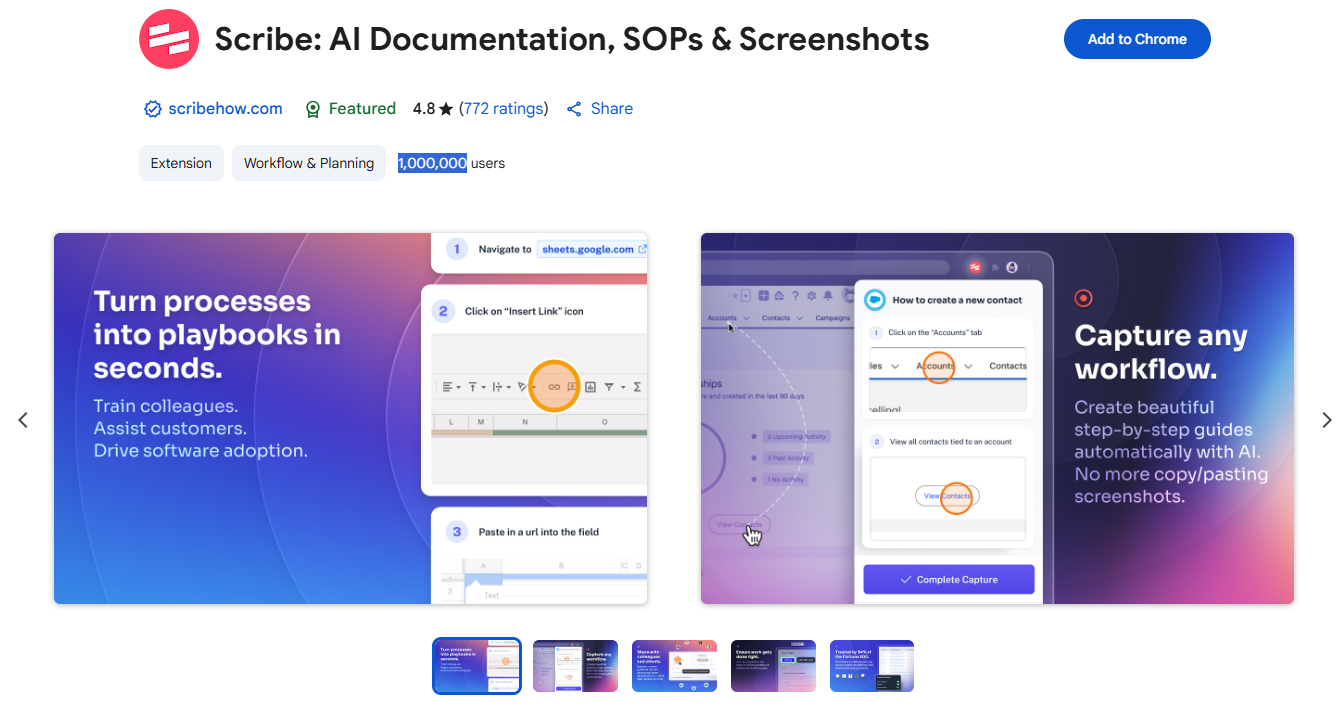
Pricing: The free version offers unlimited guide creation. Paid plans are available for teams and organizations needing branding and customization. The Pro Personal plan is $23 per month, and the Team plan is $12 per month per seat.
Key Features:
Automatic Guide Creation: Hit “Record,” go through your process once, and Scribe does the rest.
Easy Editing & Sharing: Edit steps, add notes, and share via link or export.
AI-Generated Content: AI can generate titles and descriptions for your Scribes, helping you get started quickly.
Customization Options: You can add company logos, websites, and colors to personalize your guides.
Sensitive Data Redaction: The extension includes features to automatically redact sensitive information from screenshots, ensuring data confidentiality.
Extrabux is an international cashback shopping site, offering up to 30% cashback from 10,000+ Stores!
Squarespace, SkinStore, MATCHESFASHION, The Wall Street Journal, NordVPN, Visible, Armani Exchange, Sam's Club, PUMA, AliExpress, Card Cash, NET-A-PORTER, Udacity, Udemy, Selfridges, LOOKFANTASTIC, Vimeo, Coach Outlet, lululemon, PrettyLittleThing, Booking.com, Ripley's Aquarium, iHerb, Groupon, etc.
Join to get $20 welcome bonus now! (How does Welcome Bonus work?)

Recommendation
-

Where to Watch Chinese Short Dramas with English Subs: The Best Free and Paid Apps & Sites (2025)
-

Supreme LV Backpack Real vs. Fake Guide 2025: How Can I Tell If It Is Original?
-

U.S. Polo Assn. Cashback, Coupon Codes, and Savings Guide
-

The North Face vs. Columbia vs. Patagonia: Which is the Best Outdoor Gear Brand?
Up to 8% Cashback!
-

Chow Sang Sang Shopping Guide: Get Discounts & Cashback on Unique Holiday Gifts